> For the complete documentation index, see [llms.txt](https://docs.cyclonechain.com/llms.txt). Markdown versions of documentation pages are available by appending `.md` to page URLs; this page is available as [Markdown](https://docs.cyclonechain.com/develop/tutorials/simple-contracts-game-of-dice.md).
# Simple contracts: Game of Dice
**Let's write game of dice simulation. Rules are the following:**
1. There is an usual six-sided dice. Player can can bet some amount of coins on a roll result.
2. If player tries to bet more coins than he actually has, he will lose all his coins (meaning they'll be transfered to game's contract). Dice roll result will be ignored.
3. The value that player bets on has to be an integer in range \[1,6]. Otherwise, player will be fined double the fee and roll result will be ignored.
4. If player guesses roll result, he'll get half of his bet on his account.
5. If he loses, amount of his bet will be transfered to contract's balance.
**We'll need to use a couple of pre-build vm functions here:**
* **`getSender()`** - returns caller's (player's) wallet hash as a string.
* **`addCustomField(key, value)`** - adds key-value pair to vm's response (tx->vmr->C).
* **`getBalance(hash).Int64()`** - returns integer amount of coins on a balance of a wallet identified by given hash.
* **`getContractHash()`** - returns hash of a contract which calls it.
* **`currentFee()`** - returns integer amount of fee for executing contract. Does not work in a simulation (returns undefined).
* **`transfer(hash, amount)`** - transfers the specified amount of coins to a wallet identified by a given hash from sender's account.
* **`transferFromContract(wallet, amount)`** - transfers the specified amount of coins to a wallet identified by a given hash from current contract's (caller contract) balance.
[**Pre-build functions docs.**](http://164.68.127.226:3432/docs)
So we need to write a function, that takes two arguments: roll value player bets on (betOn) and amount of his bet (betAmount). Here's it's code:
function gameOfDice (betOn, betAmount){
    var wallet = getSender();
    var winMult = 1.5;
    var feeMult = 2;
    var diceMin = 1;
    var diceMax = 6;
    var diceRoll = parseInt(Math.random() *(diceMax - diceMin + 1) + diceMin);
    addCustomField('roll', diceRoll); //to display roll's result
    var playerBalance = getBalance(wallet).Int64();
    var message = '';
    if (typeof betOn !== 'number' || parseInt(betOn) != betOn || betOn < diceMin || betOn > diceMax) { //condition 3
        message = 'Bet value is out of expected range [' + diceMin + ', ' + diceMax + '] or not integer';
        transfer(getContractHash(), currentFee() * feeMult);
    }
    else if (playerBalance < betAmount) { //condition 2
        message = 'Insufficient funds';
        transfer(getContractHash(), playerBalance - currentFee());
    }
    else if (diceRoll == betOn){
        message = 'You won!';
        var contractBalance = getBalance(getContractHash()).Int64();
        var target = betAmount * (winMult - 1);
        transferFromContract(wallet, contractBalance >= target ? target : contractBalance);
    }
    else {
       message = 'You lose!';
       transfer(getContractHash(), betAmount);
    }
     ddCustomField('message', message);
}
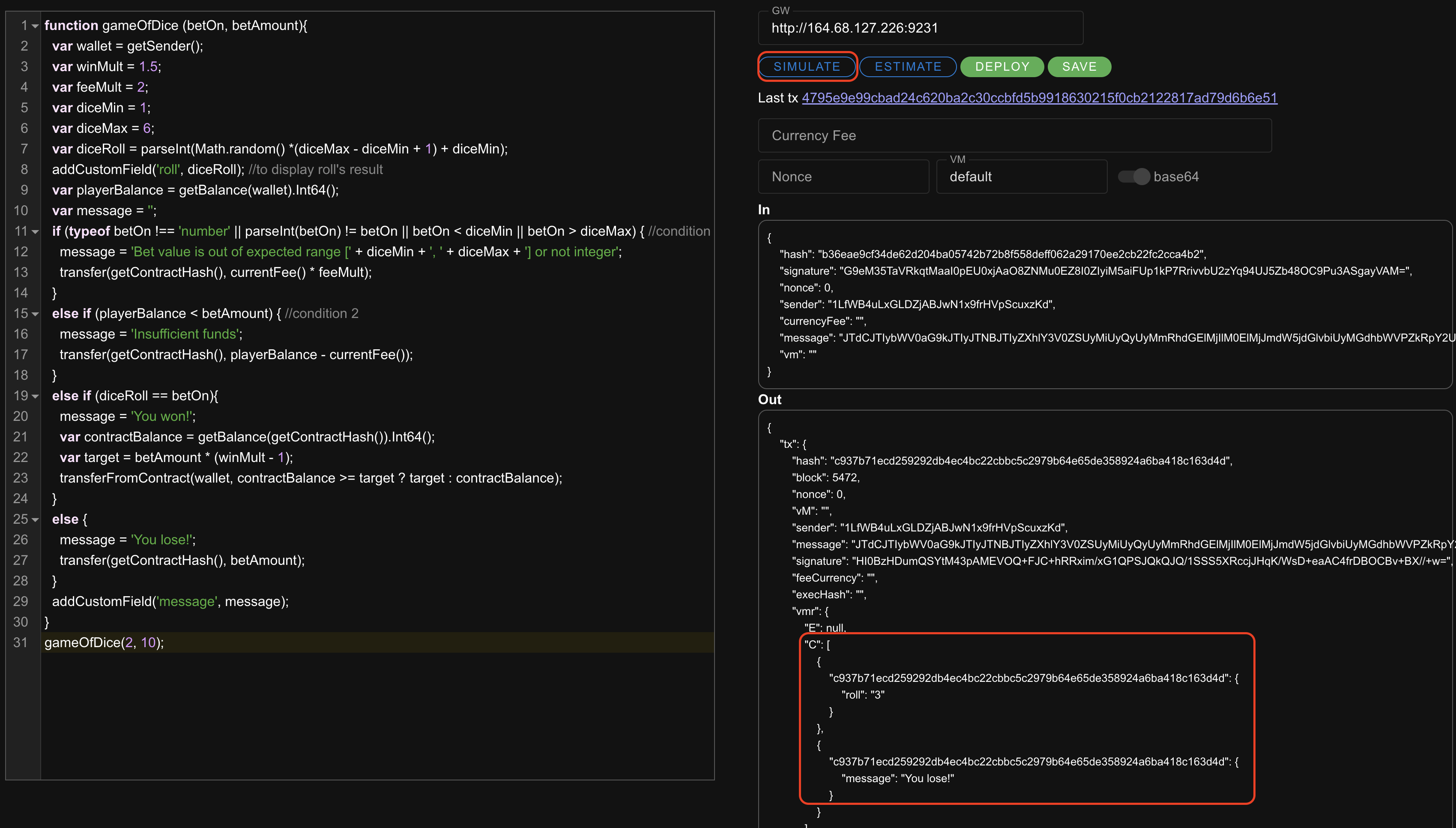
Run a simulation with a function call before saving contract to avoid unnecessary waste of coins. Before running a simulation, make sure that there are some coins on your wallet's balance. Otherwise you'll get "insufficient balance" error. Free test coins can be gained [**here**](https://faucet.cyclonechain.com).
Note that it's better to turn "base64" switch on, or some basic things like comparison operators may not work and cause simulation failure. You can get answers to your questions about Otto js (which is default VM) features and limitations [**here**](https://chatgpt.com/g/g-ko3PBEUNR-ottojs-helper)**.**
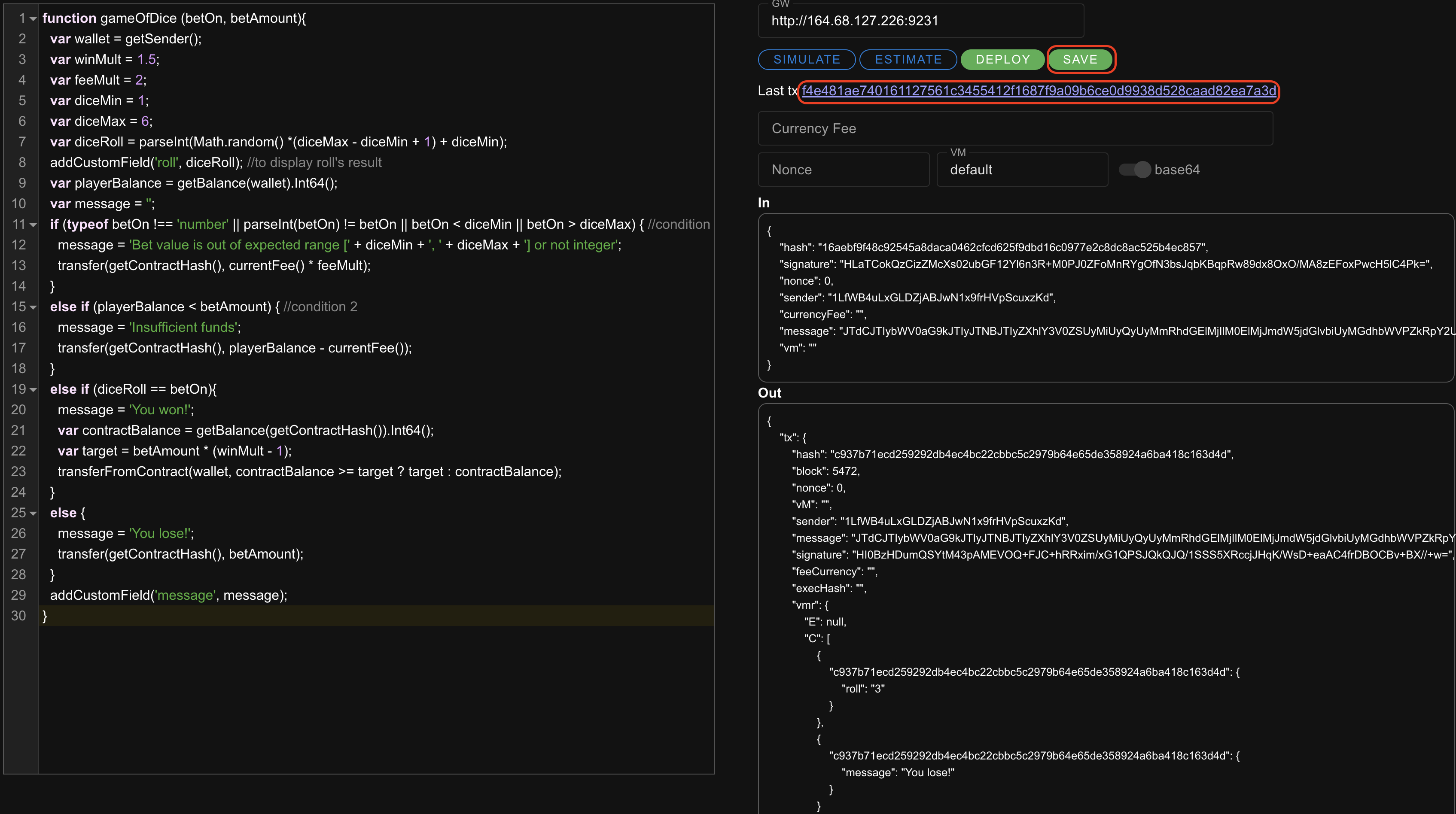
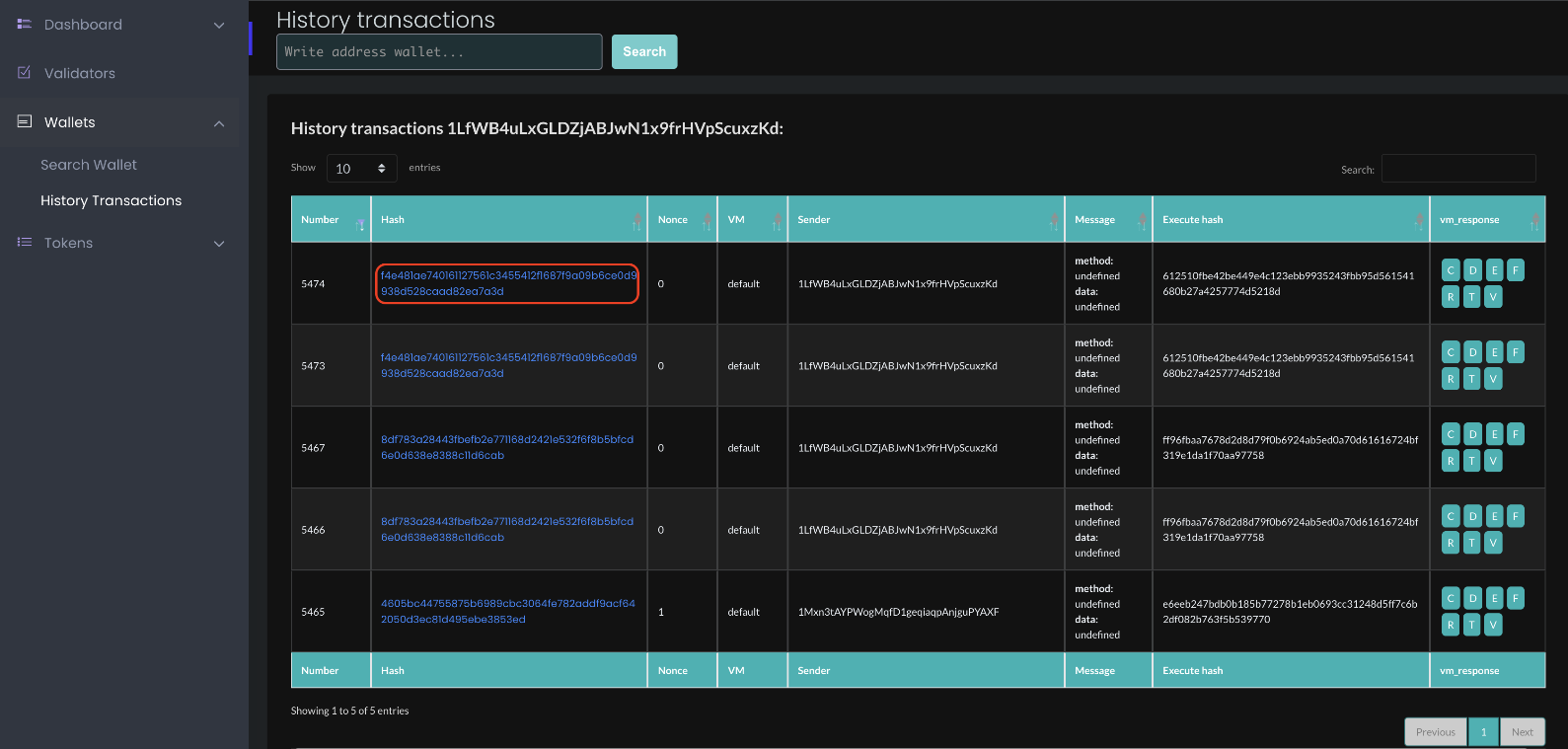
You can always find your contract in our Blockchain Explorer in a [history of your transactions](https://explorer.cyclonechain.com/wallet-history.html) or in a [transaction search section](https://explorer.cyclonechain.com/transaction-search.html).
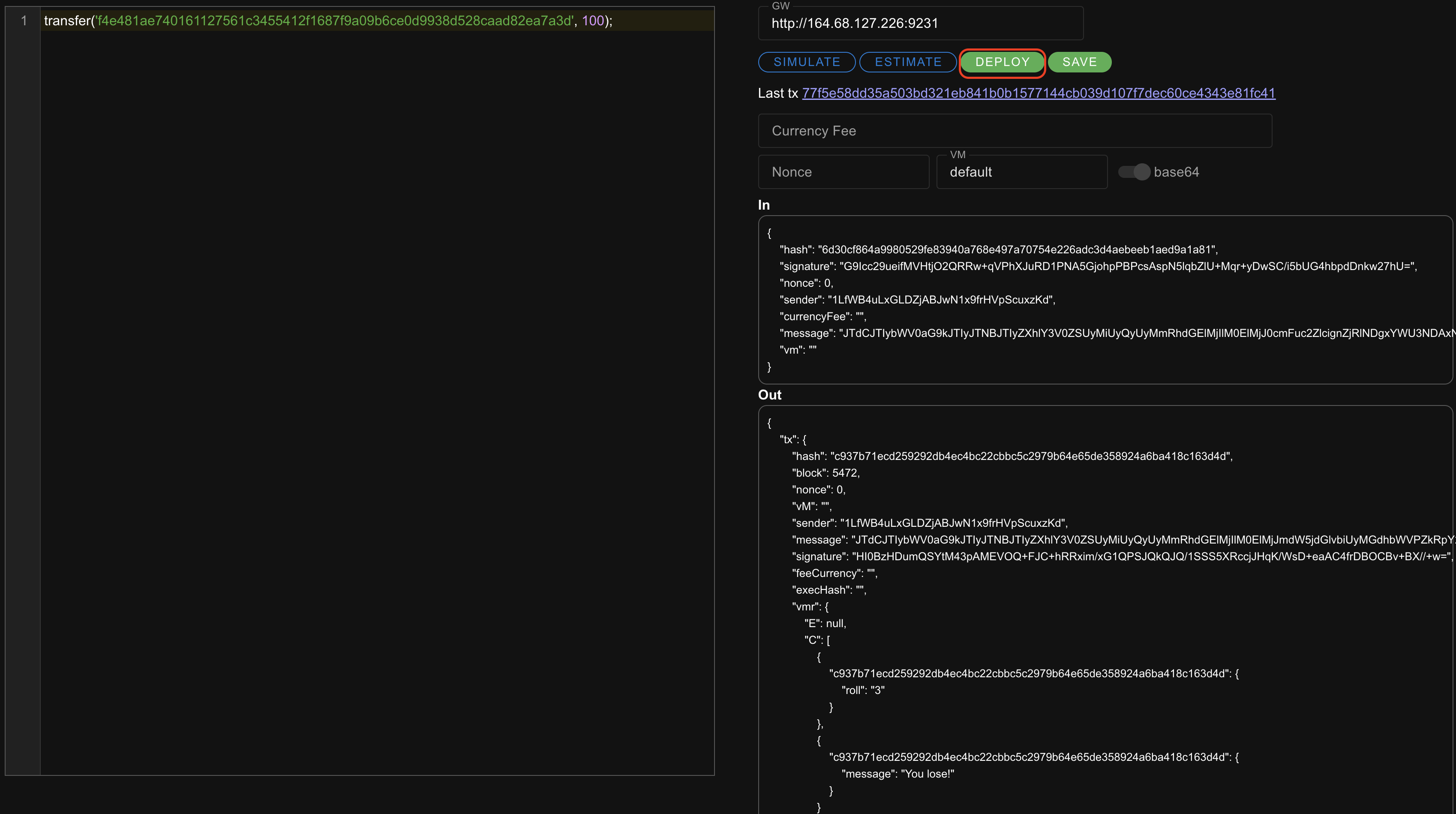
To put a few coins from your wallet on a contract's balance:
```javascript
transfer('f4e481ae740161127561c3455412f1687f9a09b6ce0d9938d528caad82ea7a3d', 100)
```
Use "deploy" button:
Contract balance can be checked at any time by simulating the following code:
{% code overflow="wrap" fullWidth="false" %}
```javascript
addCustomField('balance', getBalance('f4e481ae740161127561c3455412f1687f9a09b6ce0d9938d528caad82ea7a3d').Int64())
```
{% endcode %}
Finally, you can play your game by using **`callContract()`** function:
{% code overflow="wrap" %}
```javascript
callContract('f4e481ae740161127561c3455412f1687f9a09b6ce0d9938d528caad82ea7a3d', 'gameOfDice', 3, 20)
```
{% endcode %}